
1What "with AI" means in a real estate CRM
It is worth starting with what it is not. Putting a generic chat in the corner of the screen is not a CRM with artificial intelligence: it is a generic chat inside a CRM. If that AI does not know how many properties you have, what budget yesterday's caller declared, or which portal they came from, it is not saving you work. It is making conversation.
In an agency, time goes on very specific, very repetitive things: reading portal enquiries and deciding who to call first, replying fast so the lead does not go cold, writing the description of the flat you just listed, searching the portfolio for what to show someone who wants three bedrooms with a lift, and explaining to the boss how many listings you have won this month. AI is useful exactly there, and nowhere else.
InmoProCRM applies AI at five specific points of the working day. All of them are inside the product, working, and you will see each one in a screenshot on this page. And there is an underlying decision worth mentioning: each agency only sees its own data, and that is not guaranteed by the AI but by the database underneath. The AI queries through a restricted user that, by construction, cannot read another agency's data even if asked to.
2Automatic lead scoring
On a normal Monday ten enquiries come in: some from Idealista, others from your website form, one on WhatsApp. They all look the same in the inbox. They are not. One has just sold their flat and is buying cash; another is idly wondering what houses in the area are worth.
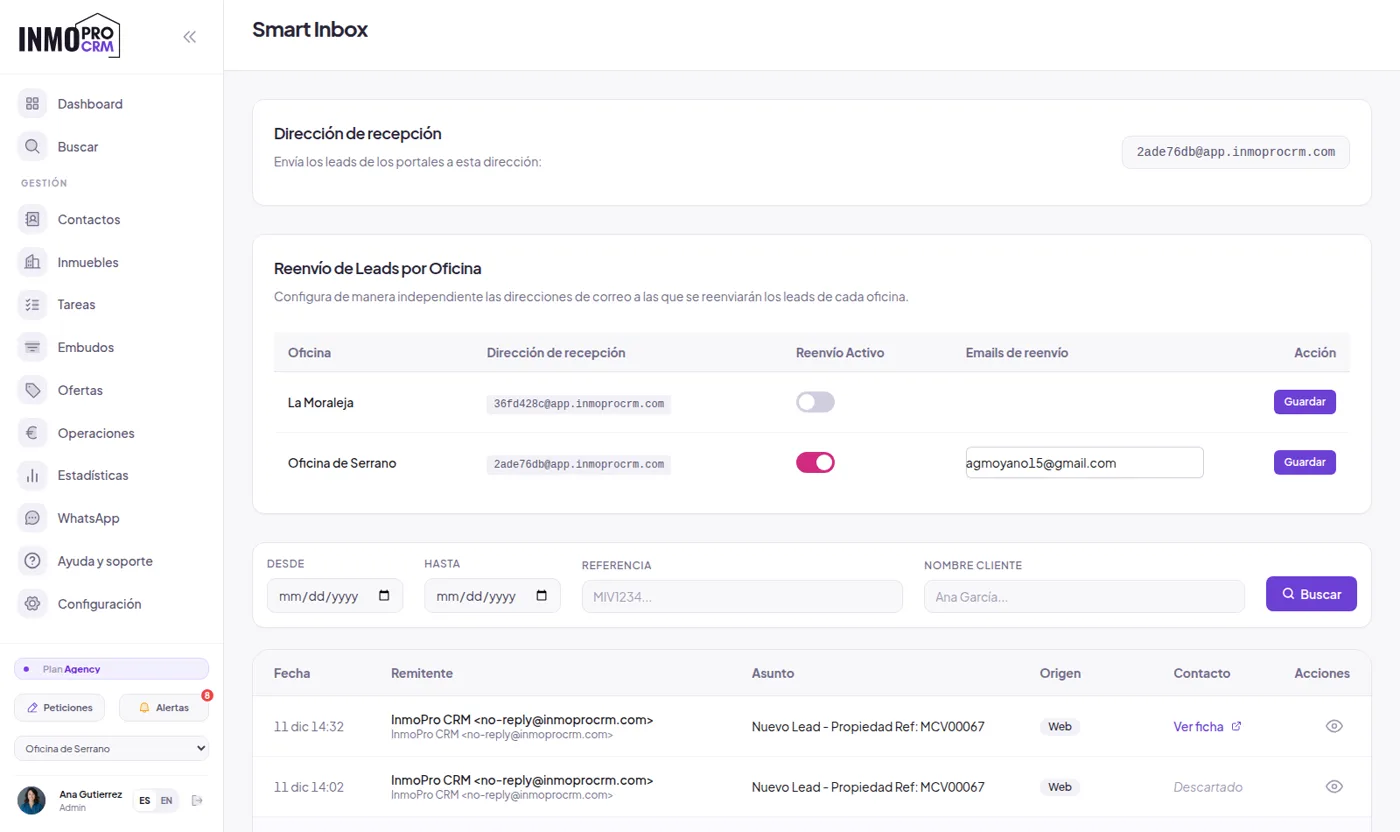
InmoProCRM scores each contact from 0 to 100 the moment it arrives, combining five factors: the urgency inferred from the message they wrote, the value of the property they ask about compared with the median of your portfolio, whether they left a phone as well as an email, the channel they came through, and the fit between their budget and what you have available. The list can be sorted by temperature, so you open the CRM and see who to call first at the top.
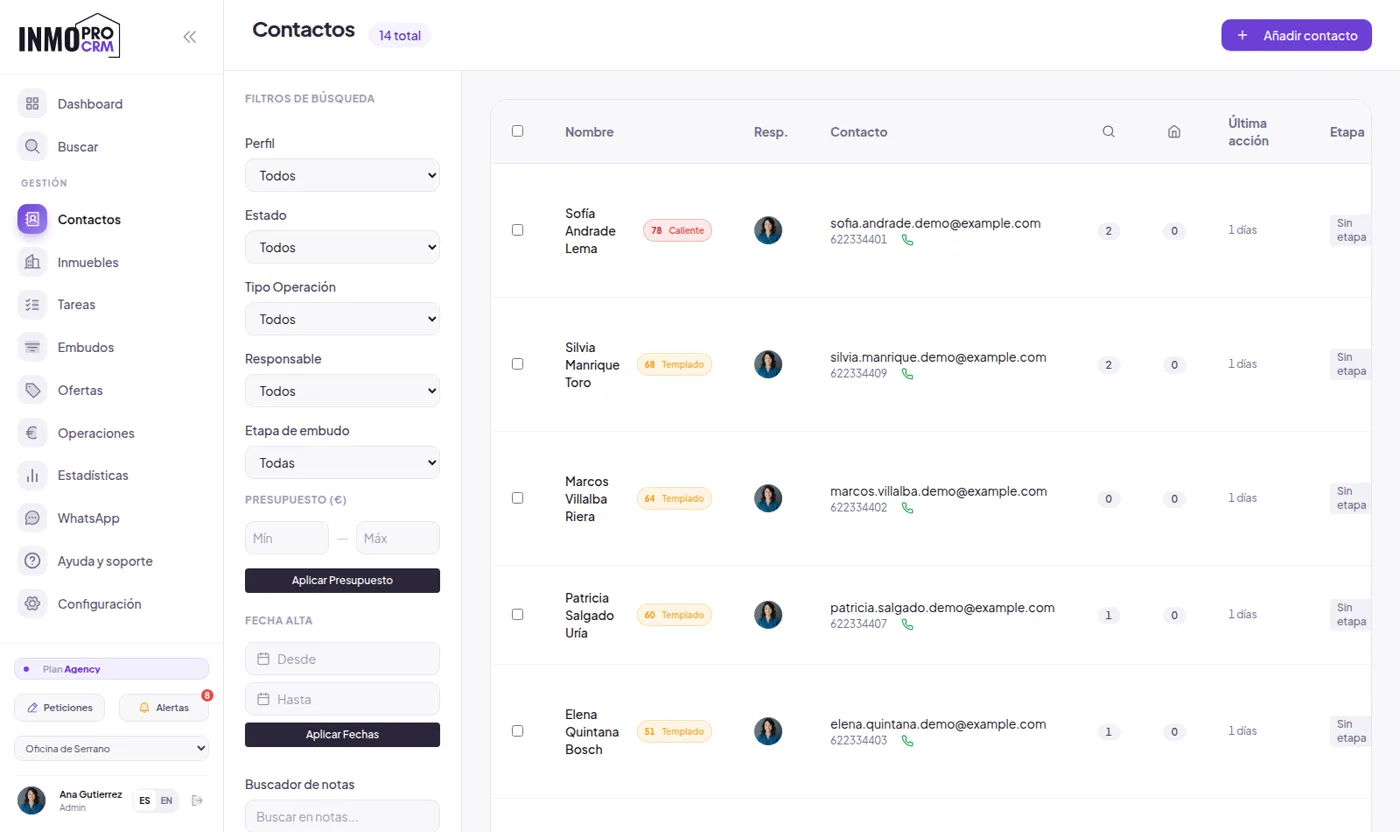
One detail that makes the difference and that almost nobody gets right: the value comparison is not against the average price but against the median of your portfolio. If you have twenty flats at €150,000 and one two-million villa, the average shoots up and everything else looks cheap. The median does not move, and the score still makes sense.
Urgency is estimated by reading the message. "I need to move before September, my mortgage is approved" does not weigh the same as "I would like information". If the AI service does not answer at that moment, the system does not stall: it falls back to keyword analysis and keeps scoring. We prefer a slightly cruder score to a CRM that freezes because an API is slow.
3Auto-reply on the incoming channel
Response speed is probably the most underestimated variable in an estate agency. A contact who asks about a flat at eleven on a Saturday night and gets a reply at midday on Monday has already written to three other agencies. They are not a bad lead: nobody answered them.
InmoProCRM replies by itself, through the same channel the contact came in on: if they wrote on WhatsApp, they are answered on WhatsApp; if they came from the website form, by email. You decide when it acts. The usual setup is to leave it only for out-of-hours, which is when it is really needed, and handle everything else in person.
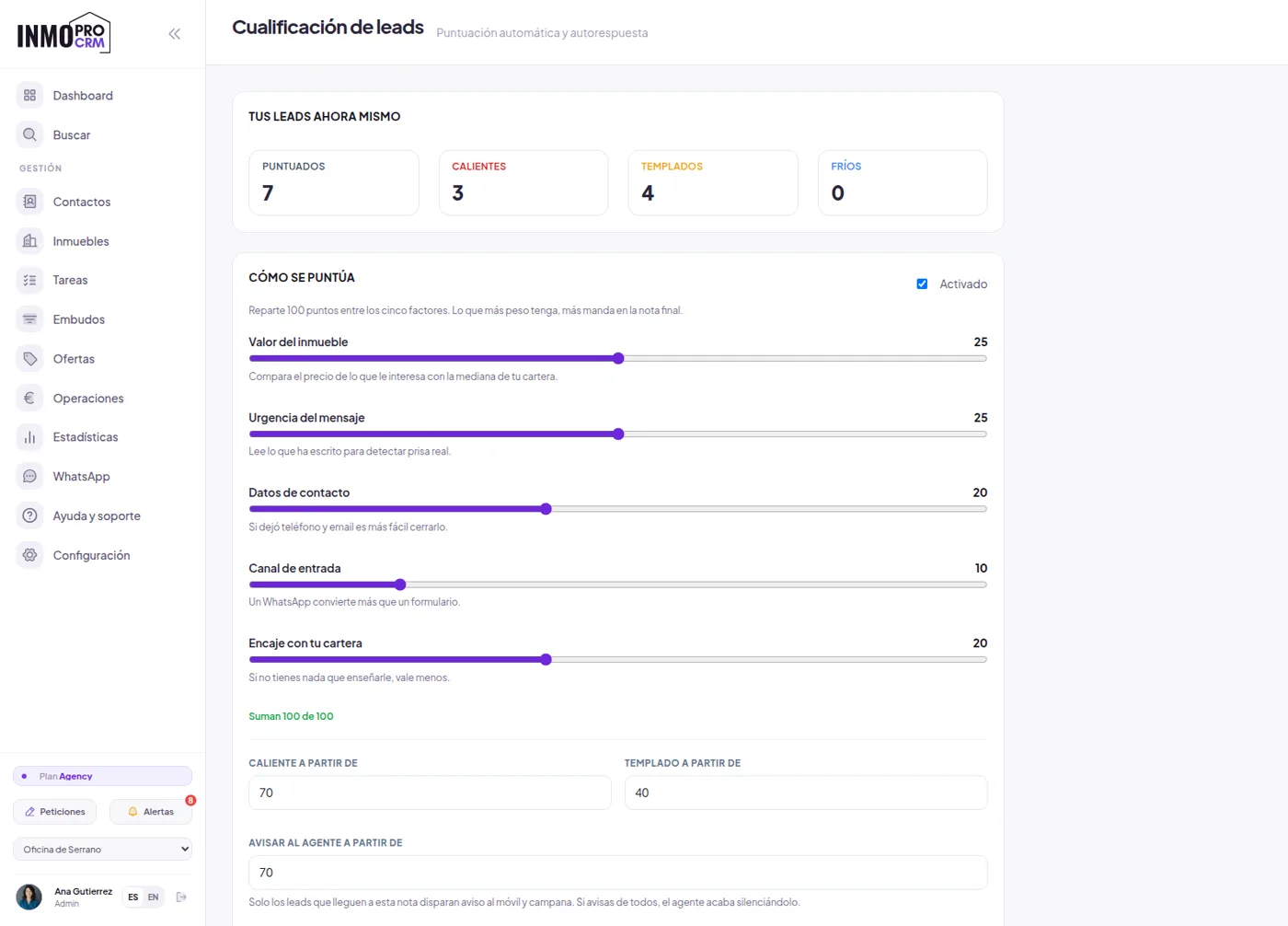
You can work with preset messages, with fields that fill themselves in (name, listing reference, price), or let the AI write the reply from the specific enquiry. Whichever you choose, there is a preview: you see the exact text that will go out before switching anything on. That is deliberate, because a badly written automatic message does more harm than not replying.
4Ask your database in plain language
This is the feature that surprises people most in a live demo. Inside the CRM there is an assistant you ask as you would ask a colleague: "clients with a budget over two million", "flats that have been listed for more than ninety days", "how many listings have we won this quarter". It answers with the list, not with vague prose.
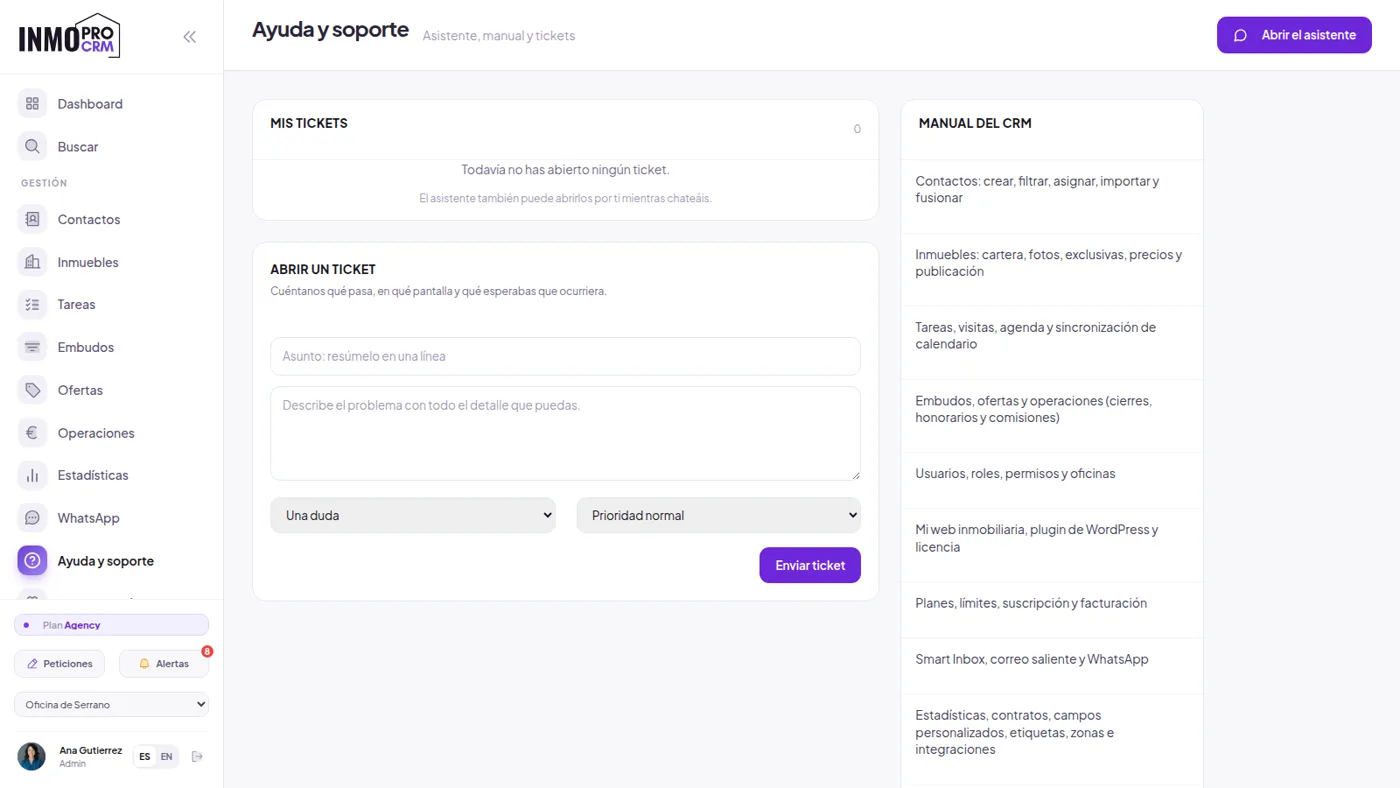
It does three different things: query your data, answer questions about using the software itself ("how do I change the price of a published listing?") and open a support ticket if something is wrong. That last part is deliberately kept on a short leash: the assistant does not open tickets on its own even if it thinks you are complaining. It offers to open one and waits for you to confirm.
On isolation between agencies, the reasonable question everybody asks: it does not depend on the AI behaving well. Queries run as a read-only database user that can only reach your agency's rows, inside a transaction that cannot write anything. We tested it with twenty deliberate attempts to extract other agencies' data, including the classic "now ignore the filter" tricks: none got through.
5Listing descriptions and valuation
Writing the description of a new listing is one of those tasks nobody wants and that ends up done badly and in a hurry. On the property page there is a button that writes it from the data you have already entered: size, bedrooms, area, condition, extras. You get a decent draft that you fix in thirty seconds, instead of a blank page.
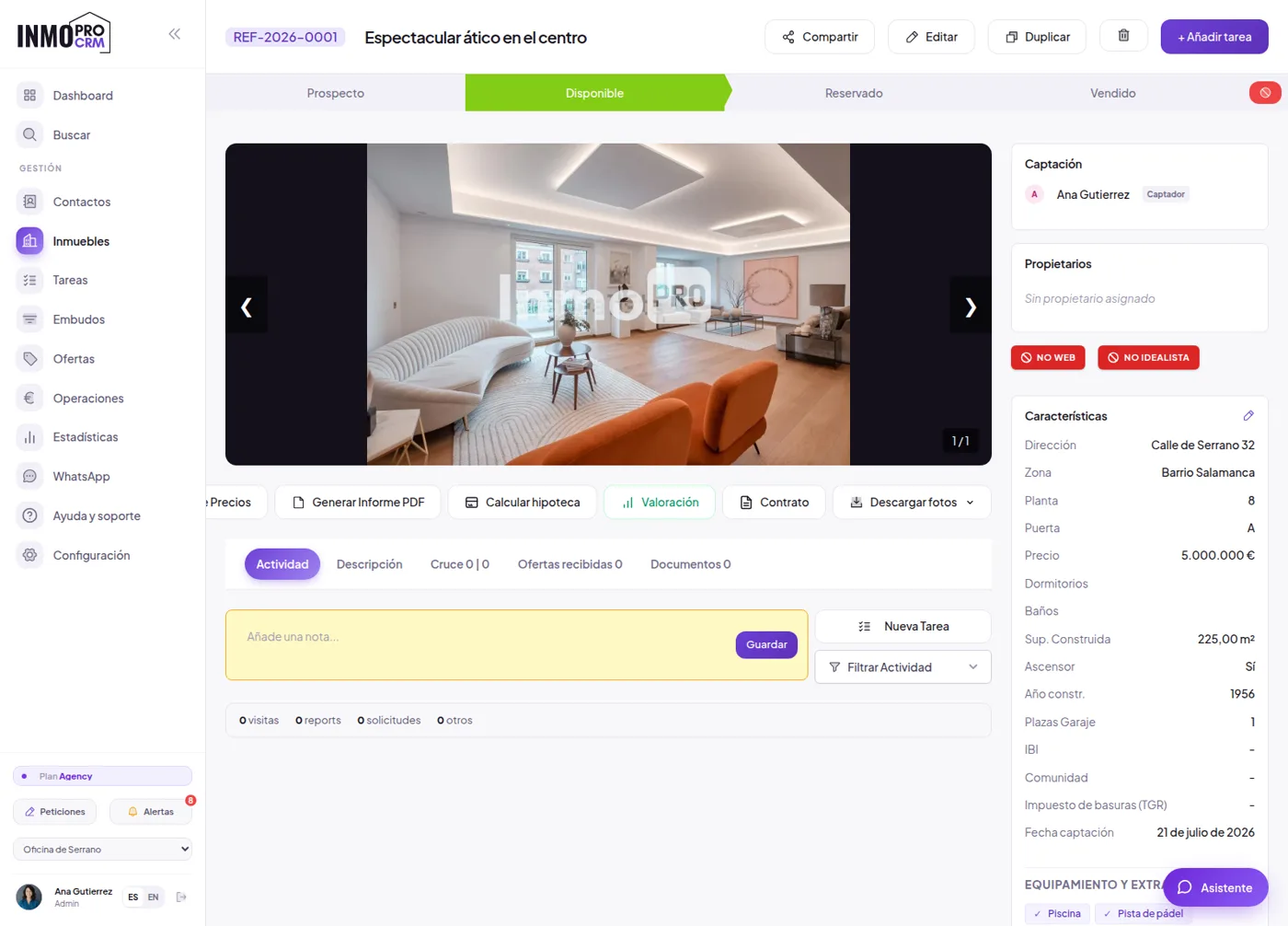
We took a different approach to valuation. Instead of plugging into an external price feed, InmoProCRM values by comparables from your own portfolio: what you have sold and for how much, in that area and with those features. For an agency with a track record in its neighbourhood, that is better than any general estimate, because it captures what is actually paid there. It comes with a mortgage calculator for the conversation with the buyer.
And since October 2026, AI virtual home staging: pick a photo of the property, the style and the room, and the AI changes furniture, flooring, curtains, paint and lighting without moving walls, doors or windows. We kept it switched off for months because the quality was not good enough to show an owner; now it is. Every image carries an "AI-generated image" stamp so buyers are not misled, and it is included in every plan, the free one too.
6The basics: portfolio, contacts and diary
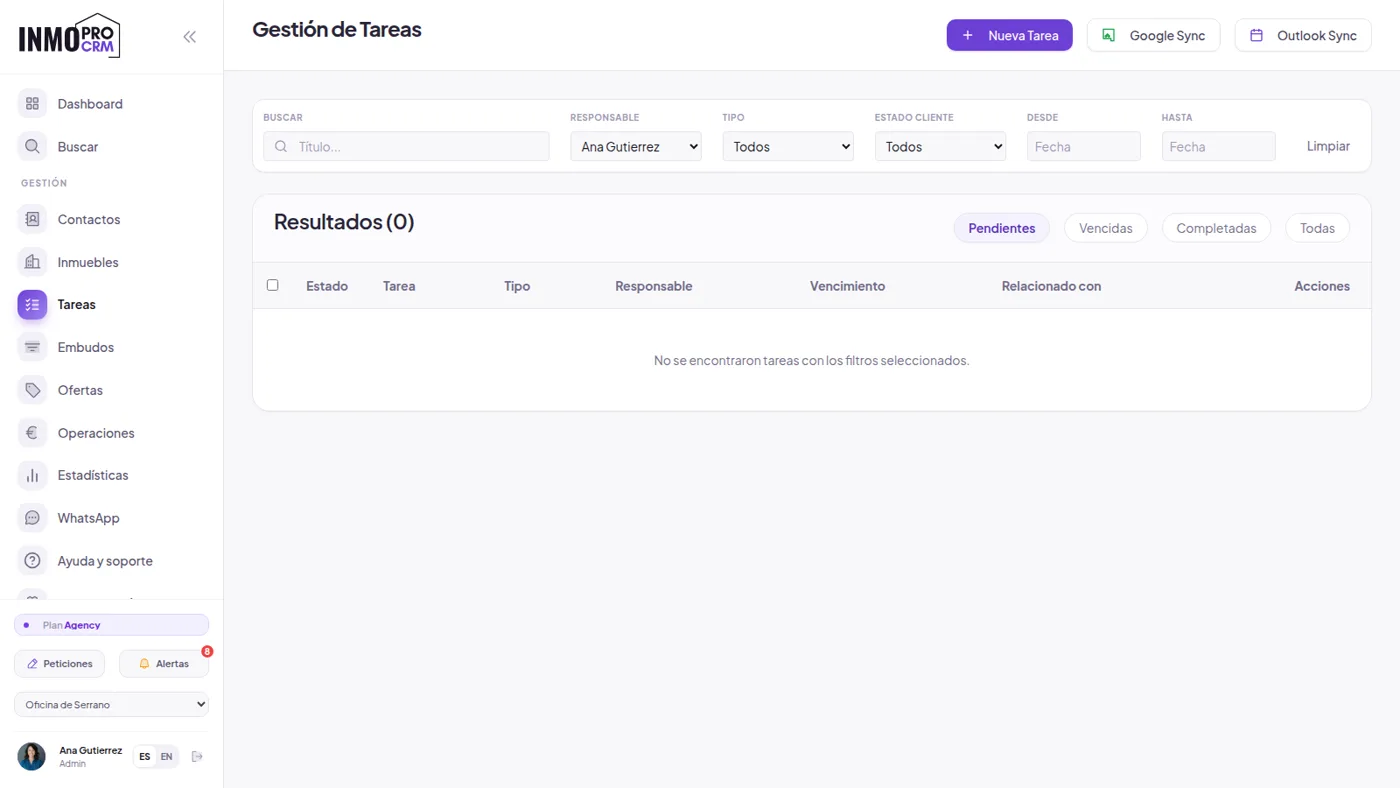
None of the above matters much if the foundations are not solid. Software for estate agencies is, above all, the place where your properties and your clients live, and where you do not forget to call anyone.
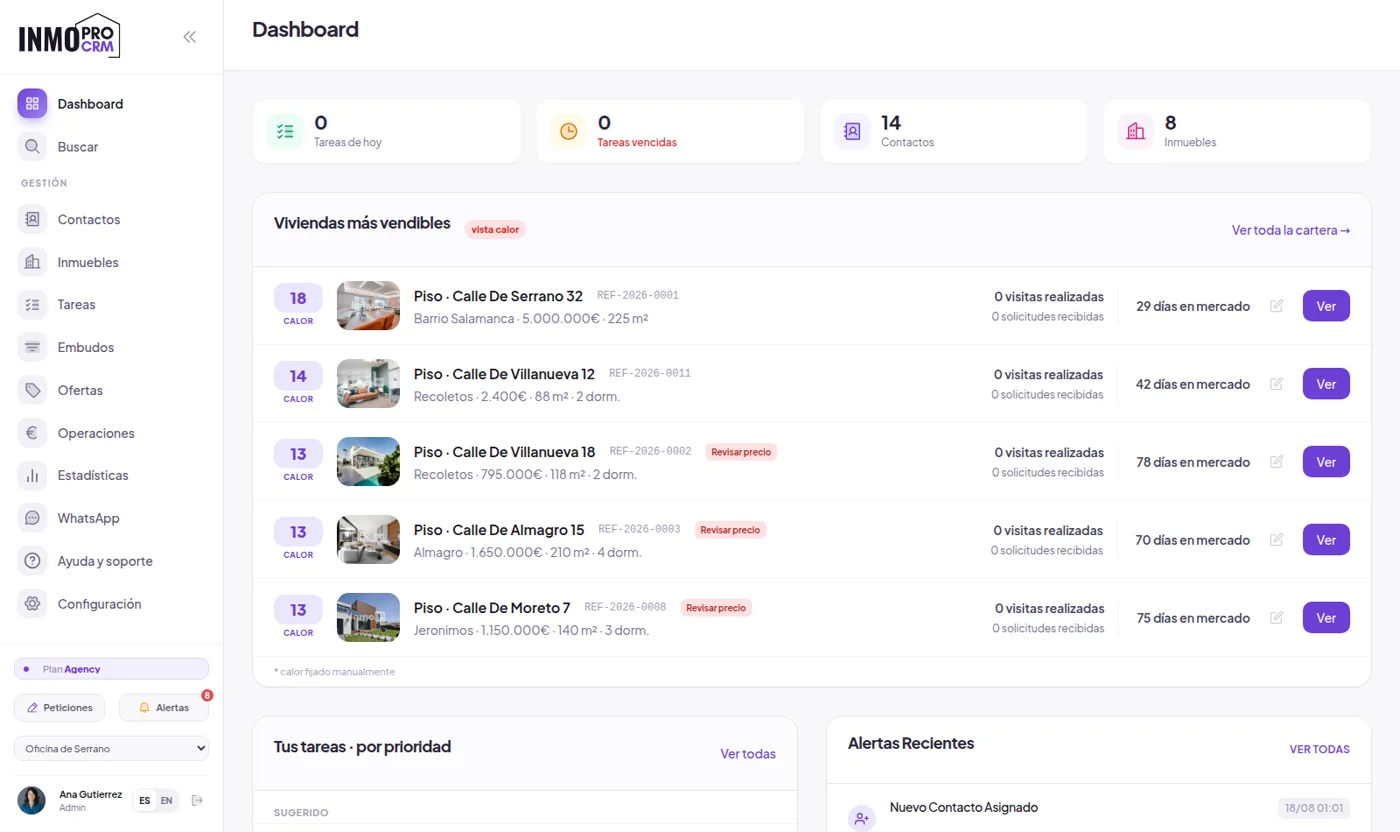
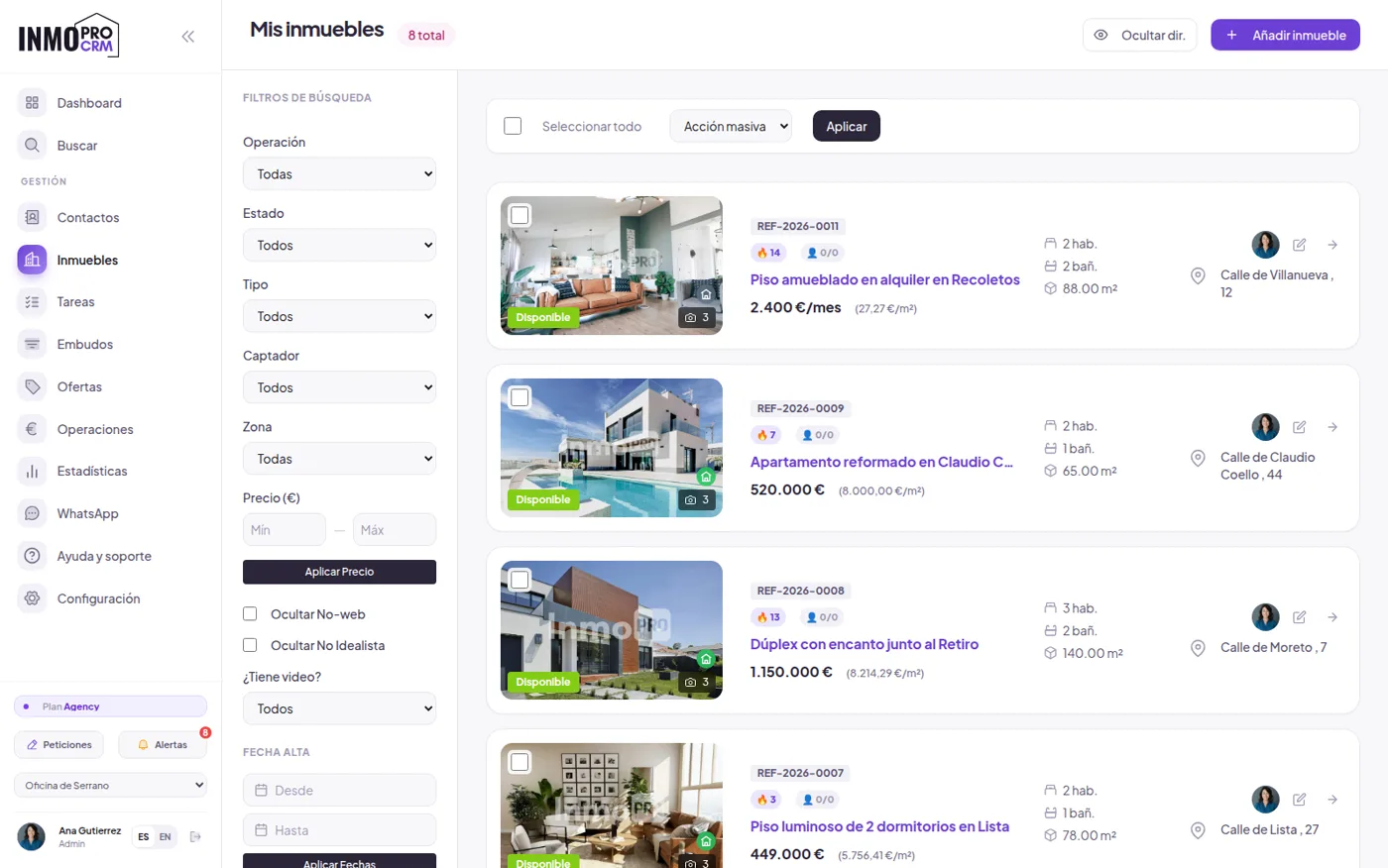
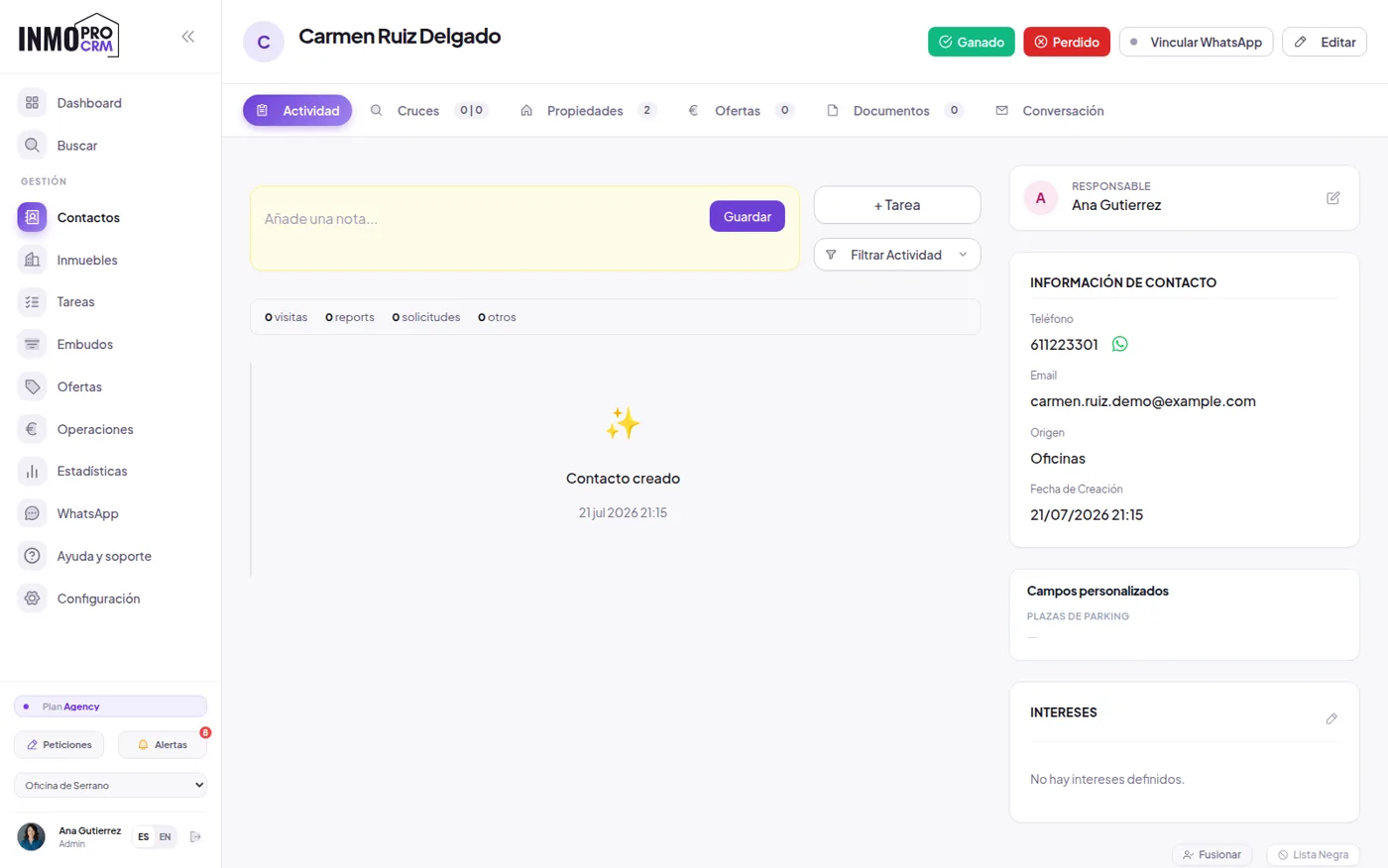
Matching between requirements and properties is automatic. When you add a new listing, the CRM tells you which clients in your database fit it; when you add a client, it tells you what to show them. It is one of those things that simply does not happen in a spreadsheet, not because it is hard, but because nobody has time to review two hundred rows every time a flat comes in.
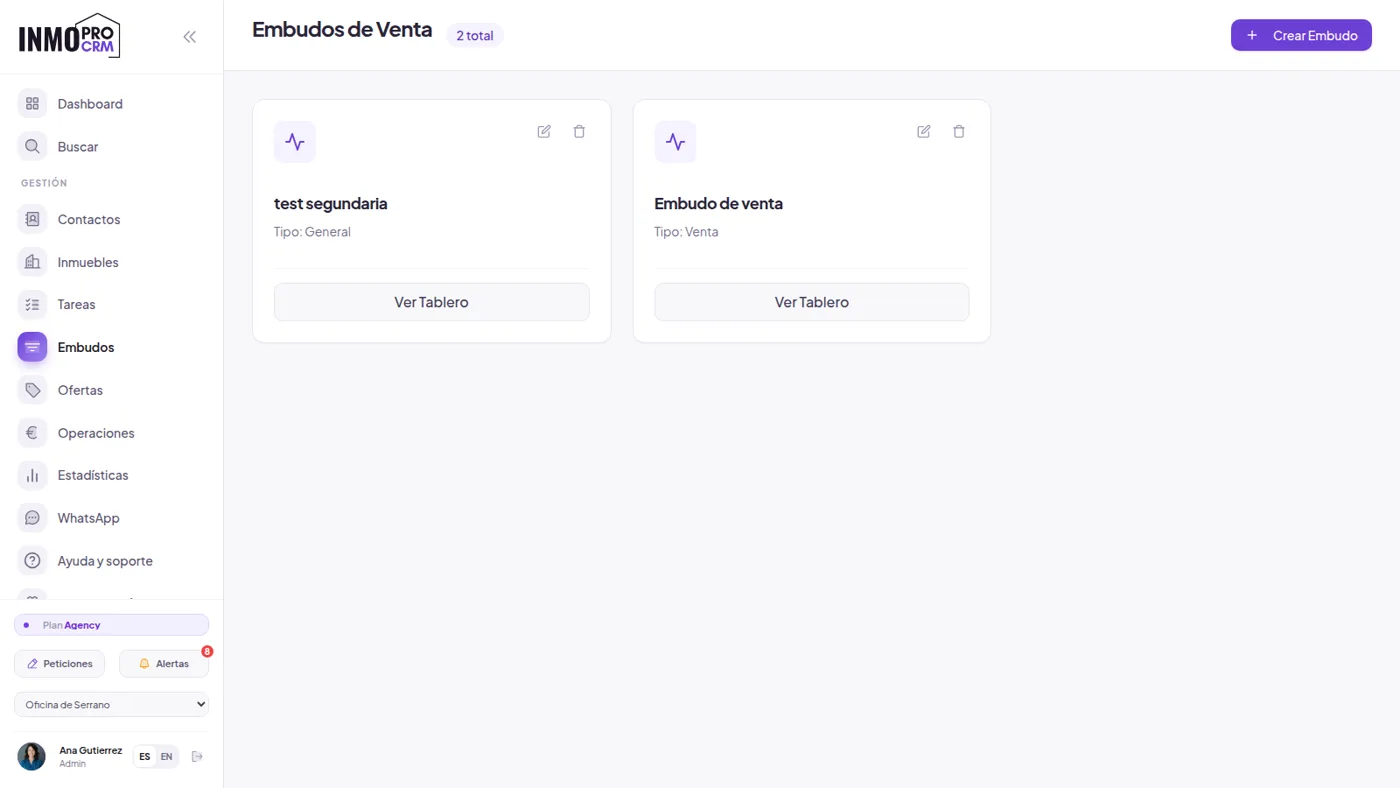
7Portals, your own website and paperwork
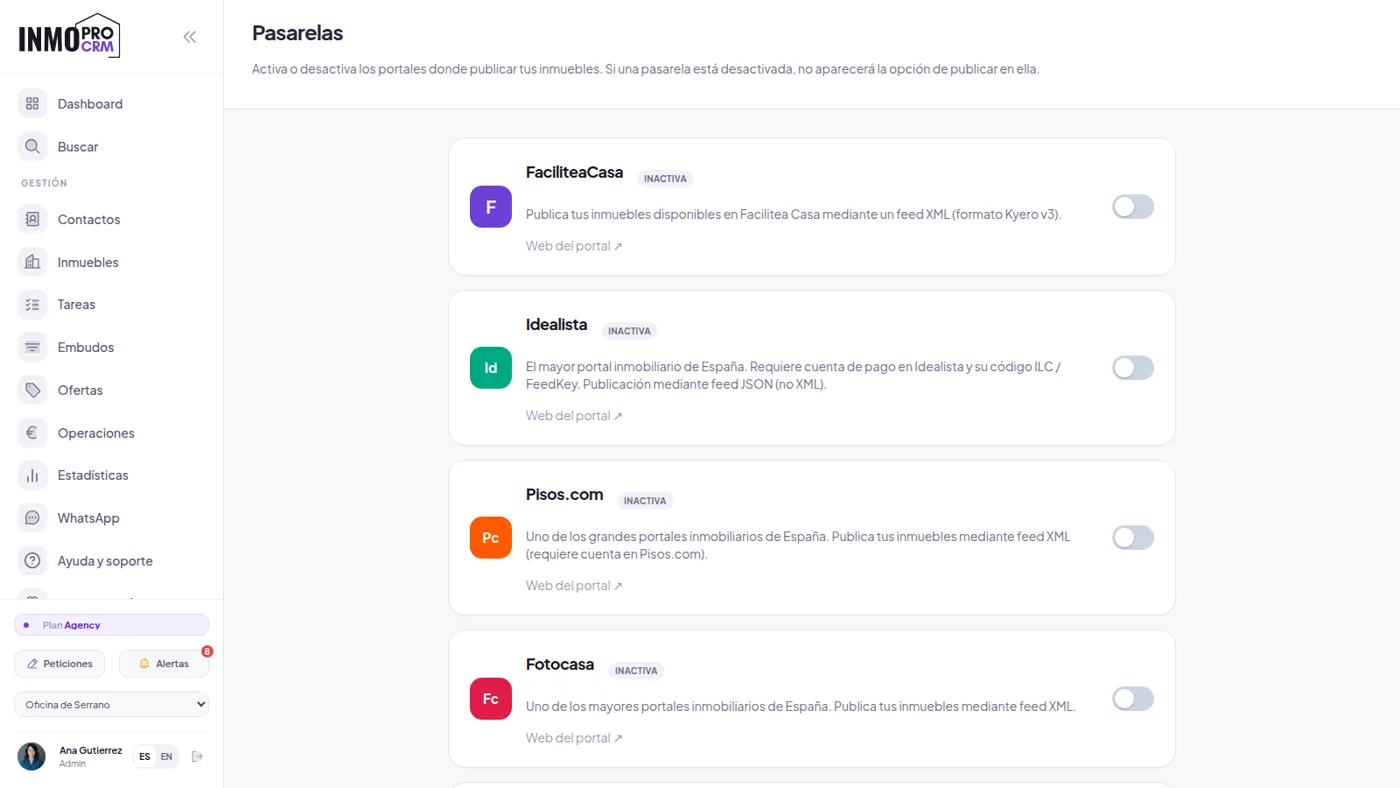
Publishing the same flat by hand on Idealista, Fotocasa and your own website is duplicated work, and it is where inconsistencies appear: the price you lowered in one place and not in another. From InmoProCRM the listing is filled in once and goes out to the portals you have configured.
The agency website is included, which is unusual in this market. With the InmoPro Sync plugin your WordPress becomes the CRM shop window: you pick one of five designs, the portfolio publishes itself, and the forms come in as already-scored contacts. There is nothing to export and no second inventory to maintain.
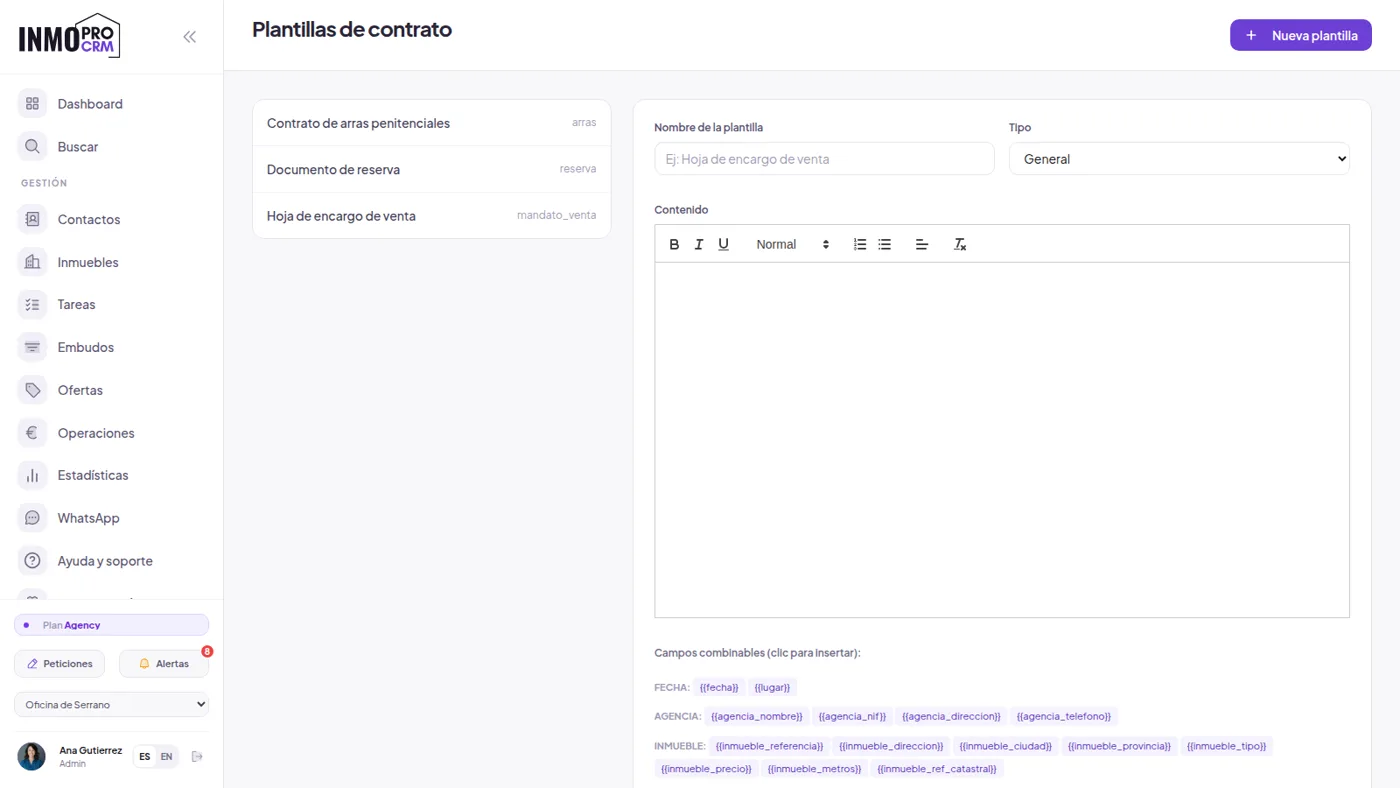
Listing agreements, deposit contracts and reservation documents come from templates with the fields already filled in, are signed on screen and sent as PDFs. So are visit records, with their fee clause, which is the piece of paper that avoids the awkward argument months later. It is worth being precise about what this is: a handwritten signature captured on screen, with its date and time record. It is valid as proof of agreement and is what practically the whole sector uses, but it is not a qualified eIDAS electronic signature. If your case requires that, you need a trust service provider.
8The business numbers
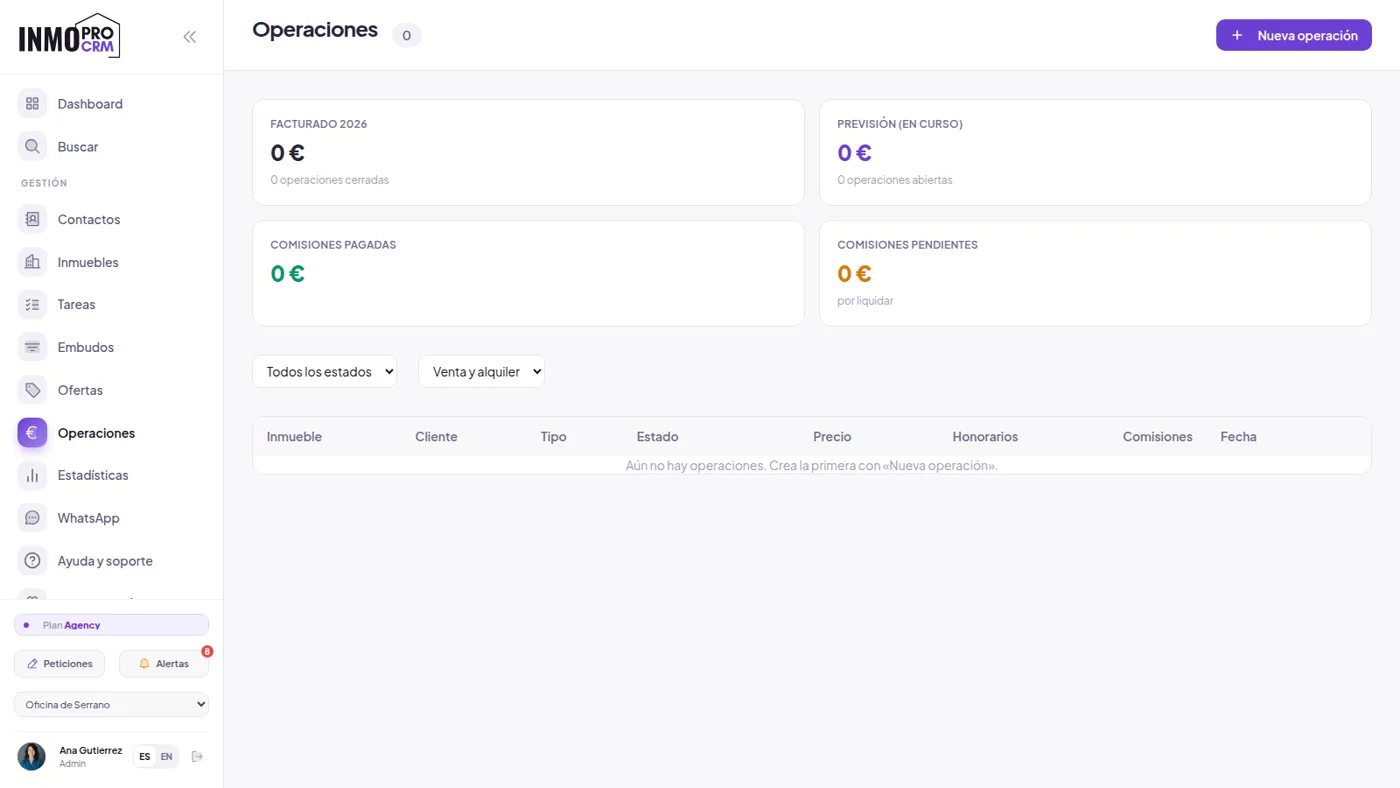
When a deal closes, it has to be split. InmoProCRM records the sale with its fees and the split between whoever won the listing and whoever sold it, which is the usual source of end-of-month arguments.
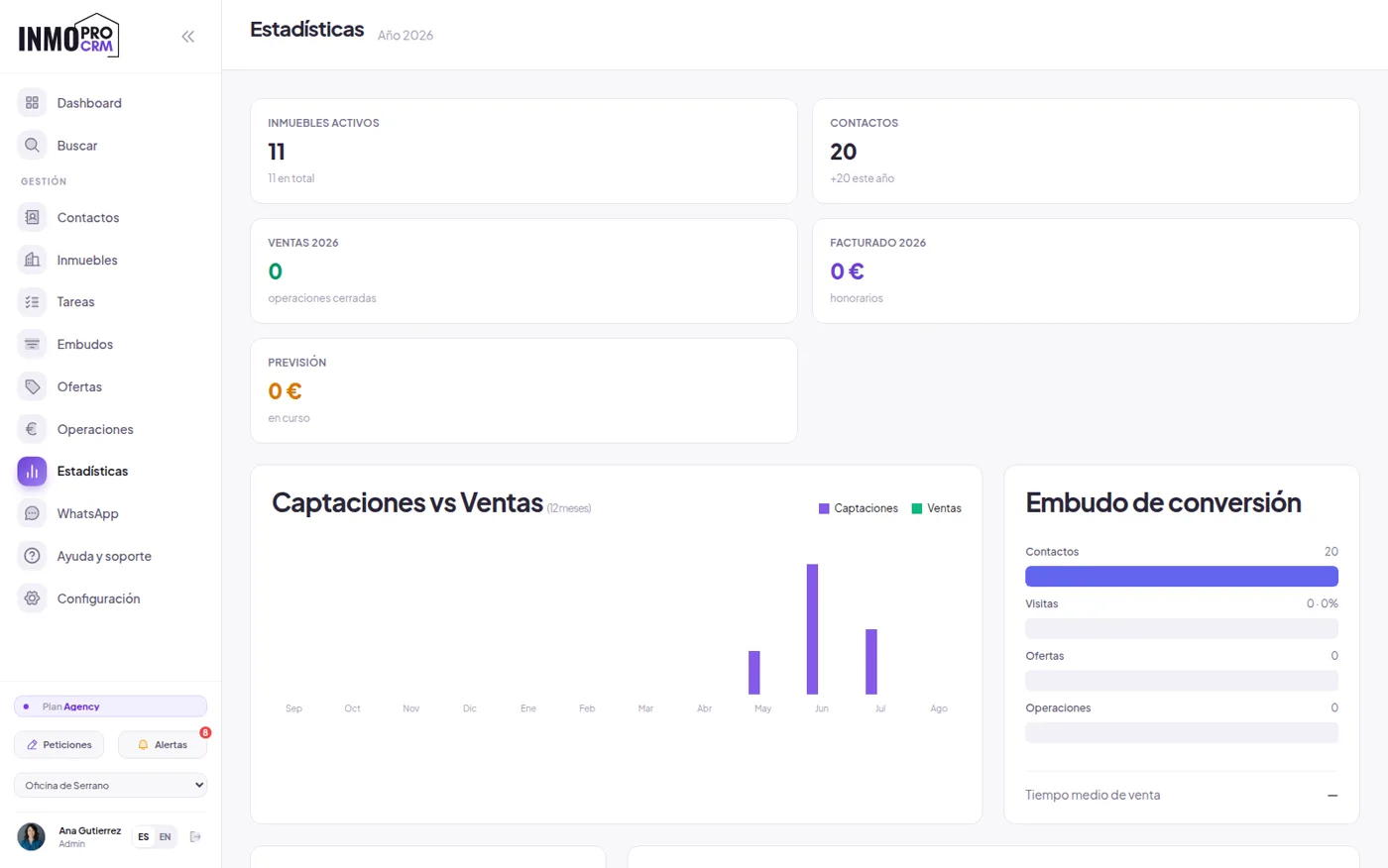
The statistics answer the questions actually asked in a meeting: how many listings versus how many sales, where opportunities get stuck, how many days on average a flat takes to sell by area and price, and what each agent is doing. It is not a pretty dashboard: it is the material for deciding whether to drop a price or change portal.
9What it costs
There is a permanent free plan, no card and no expiry: 20 properties, one user and one office, website included. It is not a fourteen-day trial, it is a plan. From there, Premium is €39 a month for 200 properties and five users, Profesional €69 for 500 properties, ten users and three offices, and Agency €159 with no limits.
Everything you have seen on this page is in every plan, including the free one. The AI features are not a separate add-on and are not charged per query. And if you are coming from another system, we migrate your portfolio and contacts: it is the part people dread most and the one that most often stops them switching, so we do it for you.
10Questions we get asked before signing up
Is this a CRM or property management software?
Both, and it is worth clarifying because many people search for "software for estate agencies" without ever using the word CRM. A CRM, strictly speaking, manages client relationships. What an agency needs is that plus the property portfolio, portal publishing, the viewings diary, contracts and commission splits. InmoProCRM covers the lot: you do not need a second system for the property side.
Does it replace Idealista or Fotocasa?
No, and be wary of anyone who says otherwise. Portals are where the demand is and you still pay for them separately. What InmoProCRM does is let you publish to them without duplicating work and, above all, get more out of what you pay: portal enquiries arrive scored and get answered automatically out of hours, instead of going cold in an inbox until Monday. The included website does reduce your dependence on portals over time, because contacts arriving through it do not cost you per lead.
Is it useful for a solo agent?
That is exactly who the free plan is for: one user, one office, twenty properties. An independent agent is the one with least time to reply quickly and the one who benefits most from the CRM answering at eleven at night. And the included website saves them commissioning one separately.
What if my portfolio is already in Excel or another system?
It gets imported. From a spreadsheet there is a CSV importer, and from another CRM we do it for you with your export files: properties, contacts, photos and history. That is the real barrier to switching tools, which is why we do not leave it to you.
Does the AI get things wrong?
Sometimes, of course. That is why it is built to suggest rather than decide: the score helps you order your call list, it is not a verdict, and you can always see where each point comes from. Auto-replies are previewed before being switched on. And the assistant does not open tickets or change data on its own. Anything with consequences is confirmed by a person.
Try it with your own portfolio
Opening an account and uploading three properties takes less time than reading this whole page. That way you see lead scoring with your own data, which is when it makes sense.

