1What a real estate ERP means
An ERP is a system that unifies a company's processes so data is entered once and serves everything. Applied to this sector, whoever searches for "real estate ERP" is usually in one of three situations: an agency with several offices tired of scattered information, a developer managing new builds, or a property company with rentals.
The three cases need different things, and that is where it pays to be clear before you waste an afternoon.
2What InmoProCRM is not
We would rather say it up front. InmoProCRM does not do accounting: no journal entries, no ledgers, no balance sheets, no year-end close. It does not handle payroll or HR either, nor stock control, nor construction planning for a development (certifications, phase progress, build cost control).
If that is exactly what you are looking for, a full real estate ERP such as SAP, Microsoft Dynamics or a developer-specific solution, we are not your tool and we will save you the demo.
What we do cover, and it is where an agency's daily work actually is, is the whole commercial operation: from a lead coming in to the commission being split after the sale.
3The operational side, which eats the most time
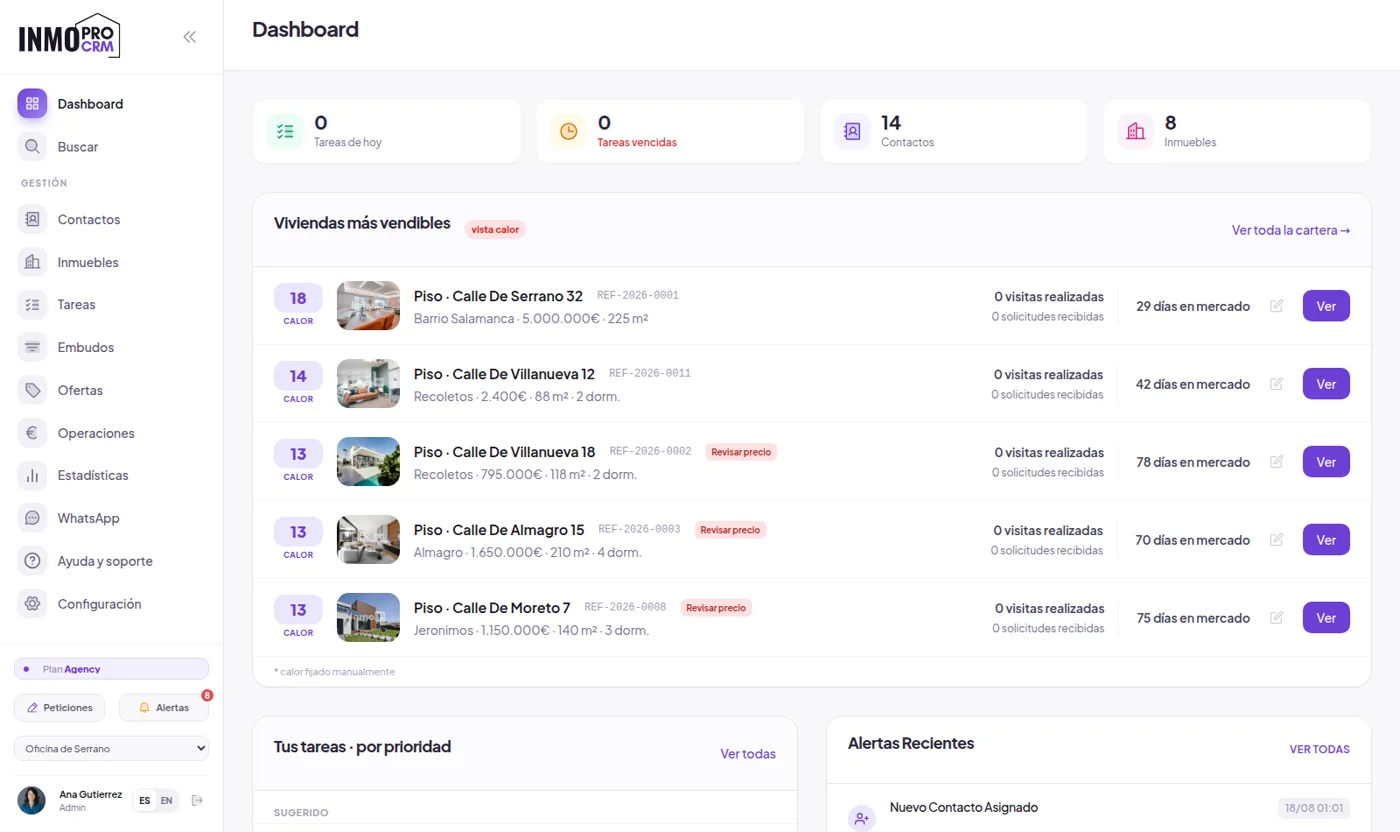
A single record per property and per client, shared between offices and agents, with role-based permissions: who sees the whole portfolio, who sees only their office and who sees only their own. Each property carries its full history and each client theirs, so handovers between colleagues stop losing information.
4Deals, fees and commissions
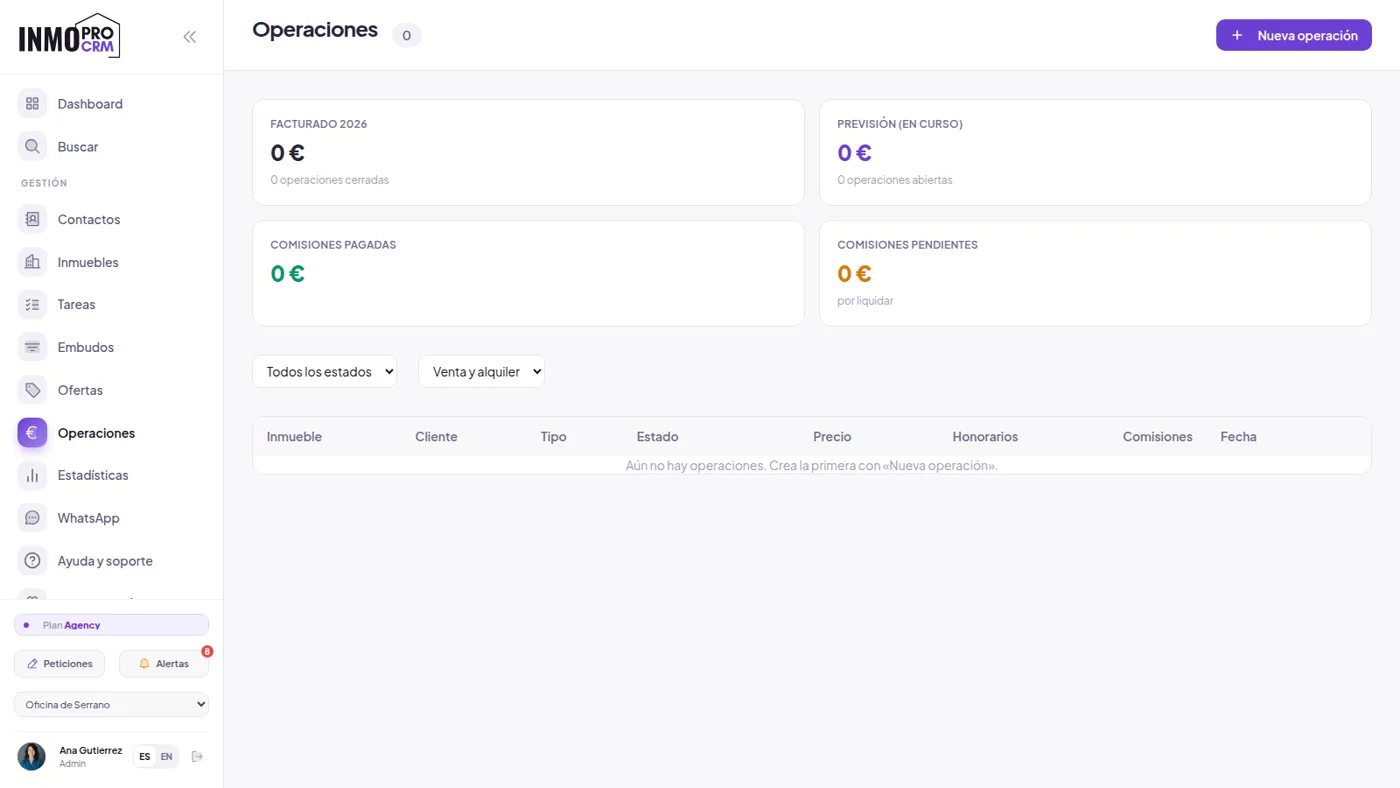
This is the part closest to an ERP and the one most missed in a normal CRM. Each sale is recorded as a deal with its closing price, its fees and the split between lister and seller. From there come the numbers needed to settle at month end without redoing the maths in a separate spreadsheet.
5The business indicators
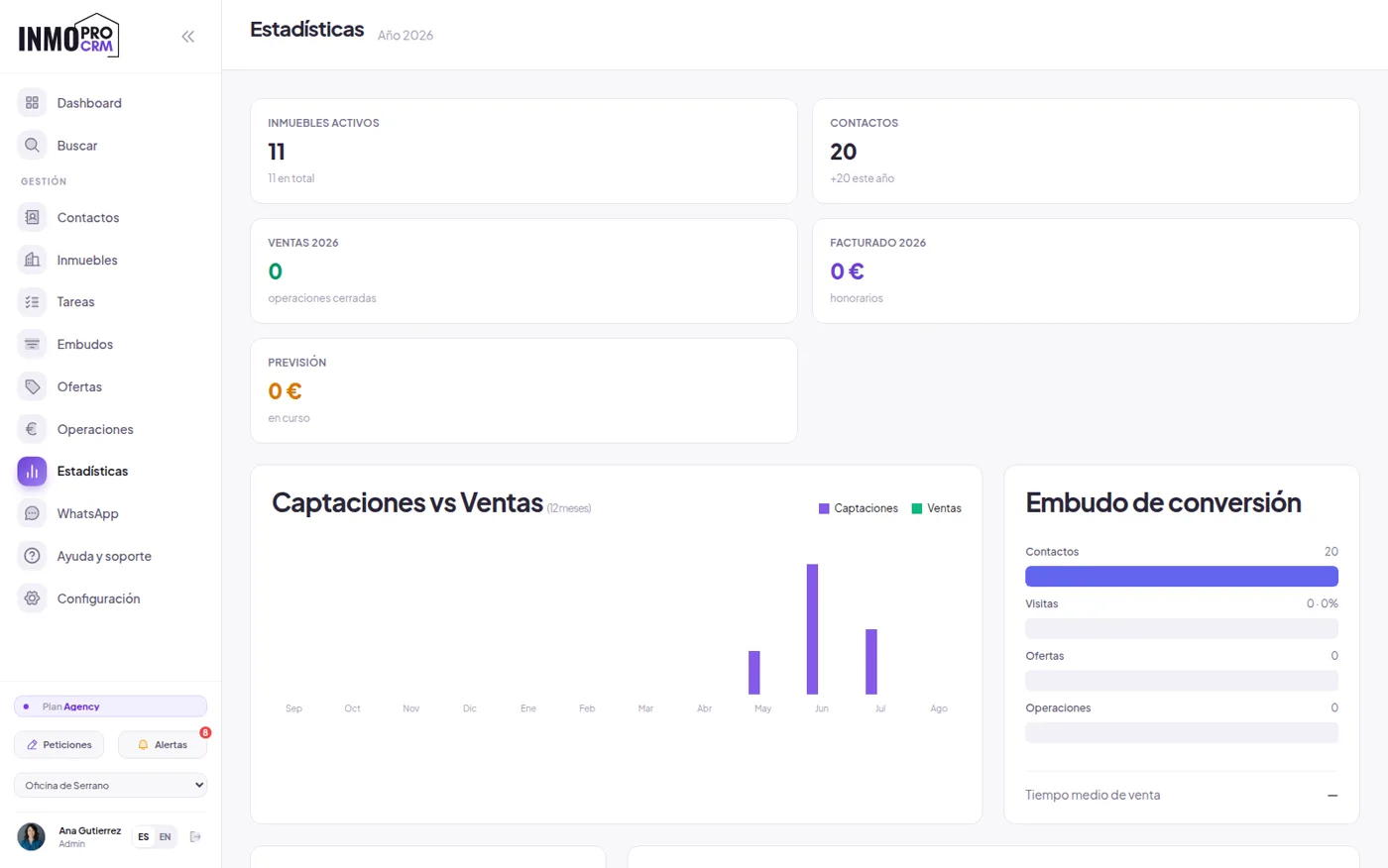
Listings versus sales, funnel by stage, productivity per agent and per office, average days on market by area and price range. It is not a decorative dashboard: it is the material for deciding to drop a price, change portal or redistribute the portfolio.
6Invoicing and VeriFactu
Here is the piece usually missing when people look for an ERP. InmoProCRM does not issue the tax invoice with its legal requirements; for that we work with Anvexo Facturación, a separate system that does comply with Royal Decree 1007/2023: chained records with a hash, QR code and the VERI*FACTU mark on every document.
It is worth having in the diary: the obligation was set at 1 January 2027 for companies and SMEs, and 1 July 2027 for the self-employed. 2026 is the technical coexistence year, that is, the window to migrate without rushing.
7Integrate instead of replacing
The realistic route for a mid-sized agency is not changing everything at once, but setting up commercial operations where the work happens and connecting it to what the accountant already uses. InmoProCRM has a REST API and webhooks for that, plus custom fields per agency when your own process does not fit the standard ones.
Put another way: first stop losing leads and arguing about commissions; accounting can stay where it is meanwhile. The reverse order is what leaves ERP projects half-implemented for years.
8What an ERP really costs
It pays to look at the full cost, not the licence. A sector ERP means per-user licensing, an implementation project with consultancy, data migration, team training and annual maintenance. For an agency of five or ten people, the project easily runs into five figures and several months before anyone genuinely uses it.
The cost almost nobody calculates is the other one: the months when the team works half in the old system and half in the new one. That is where most implementations die, not in the price.
9How to decide in five questions
If answering these shows your problem is mostly commercial, start there. You can always connect accounting later; the other way round almost never works.
- Is your problem accounting or commercial? If you lose leads and argue over commissions, you do not need an ERP: you need to fix operations.
- How many people will genuinely use it daily? If it is fewer than ten, a full ERP is disproportionate.
- Do you manage new builds with certifications and cost control? If so, you need a developer solution.
- Who migrates the data, and how soon will the team be working only in the new system?
- Can you export your data the day you want to leave, and in what format?
10Phased implementation
The approach we see working is simple and boring, which is usually a good sign. Week one: the portfolio and contacts go in, with migration done by us from your export files. Week two: portals and website are connected, so you stop publishing by hand. Week three: tasks, contracts and deal recording are switched on. From then on, the indicators have enough data to say something useful.
There is no consultancy project and no implementation fee: the free plan lets you set all this up and check it with your own portfolio before paying anything.
Keep reading
- Software for estate agencies — the whole commercial operation in detail
- Real estate CRM with AI — automation of incoming leads
- Best real estate CRMs — what each alternative on the market offers
Start where it hurts
Set up daily operations first and connect accounting afterwards. That is the order that works, and the one that leaves fewest projects half-finished.

