
1What software for estate agencies has to do
Many people search for "software for estate agencies" or "property management software" without ever using the word CRM, and it makes sense: what you need is not just a client diary. It is where the properties live, where they are matched with buyers, from where they go out to the portals, and where it is recorded who listed what and who earns what.
A generic CRM (the kind that works equally for an accountancy or a gym) falls short as soon as you need to store twenty photos per home, the cadastral reference, the energy certificate and the publication status across three different portals. And a spreadsheet holds up until there is more than one of you, or until you need to quickly find what to show whoever just walked in.
2The property portfolio
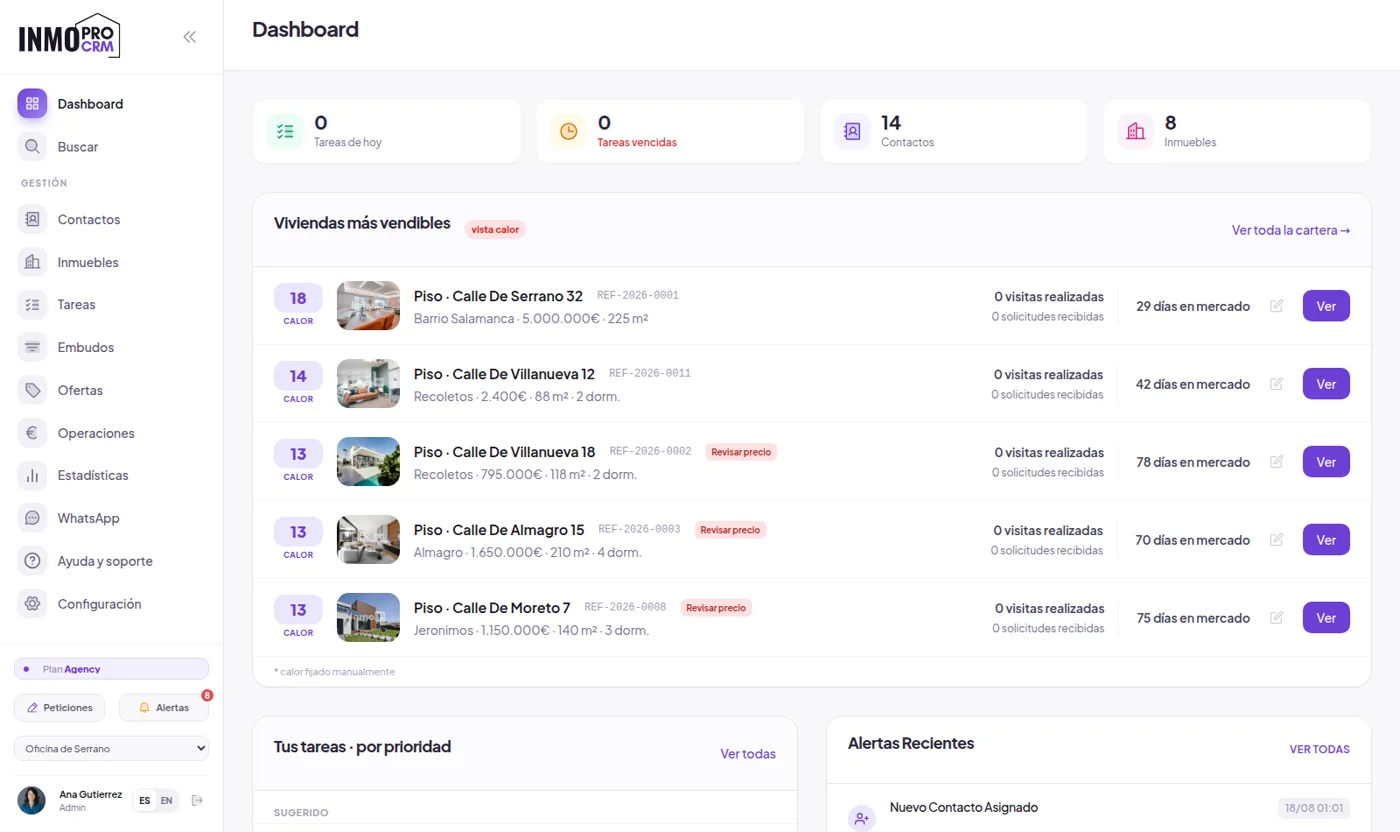
Each home keeps its photos, floor plans, documents and history: when it was listed, at what price, when it was reduced and who has viewed it. You search and filter by type, area, price, bedrooms and status, which is what you do twenty times a day.
Descriptions can be generated automatically from the data you have already entered, so a new listing does not sit unpublished because nobody had a free afternoon to write it.
And photos can be improved without leaving the software: AI virtual home staging restyles a room (furniture, flooring, curtains and lighting) without touching walls or windows, included free in every plan.
3Clients and automatic matching
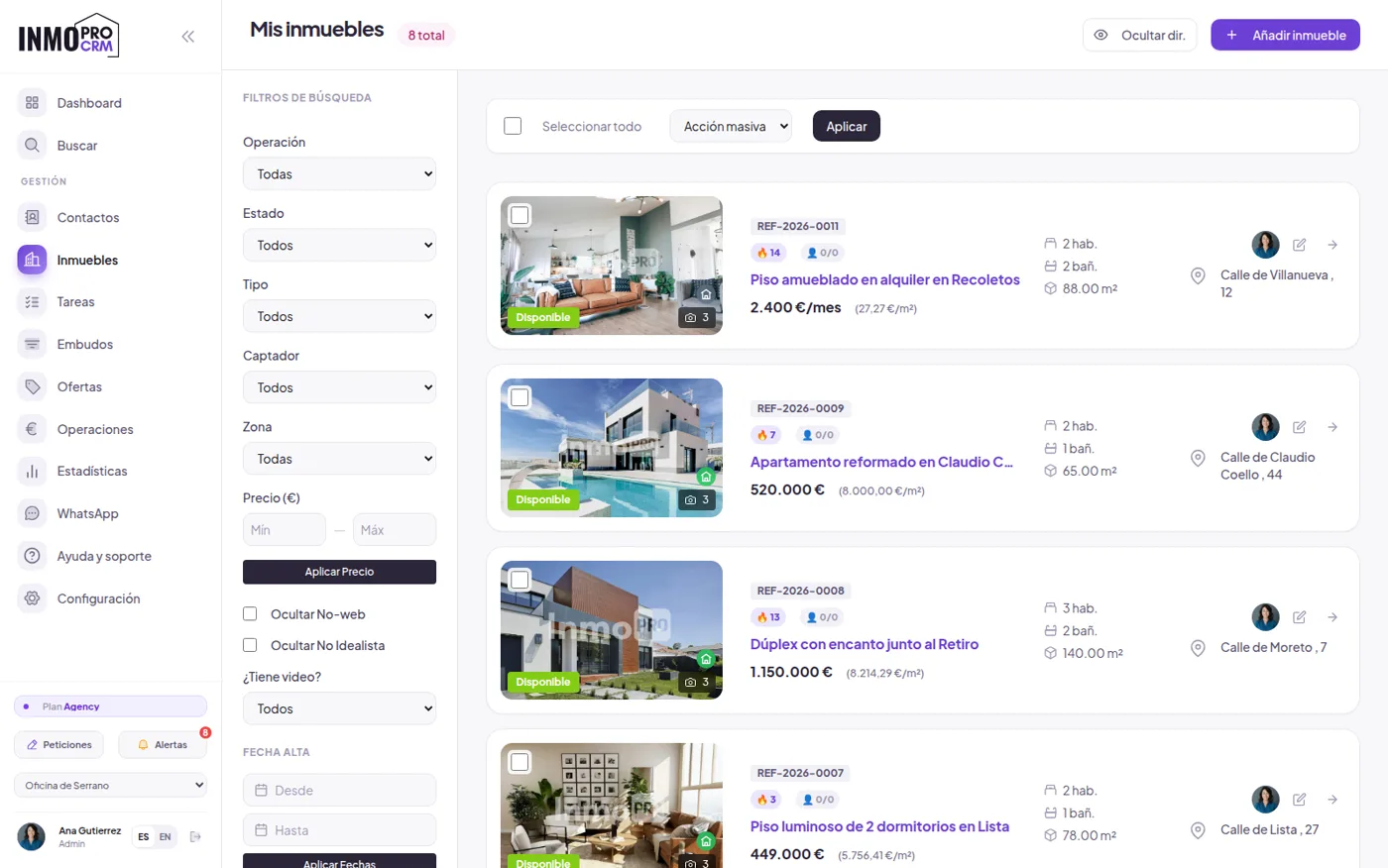
When you add a listing, the software tells you which clients in your database fit it. When you add a client, it tells you what to show them. It is one of those things that never happens in a spreadsheet: not because it is hard, but because nobody reviews two hundred rows every time a flat comes in.
Contacts arriving from the website or the portals also come with a 0 to 100 score based on urgency, budget and fit with your portfolio, so the call list sorts itself.
4Publishing to portals without duplicate work
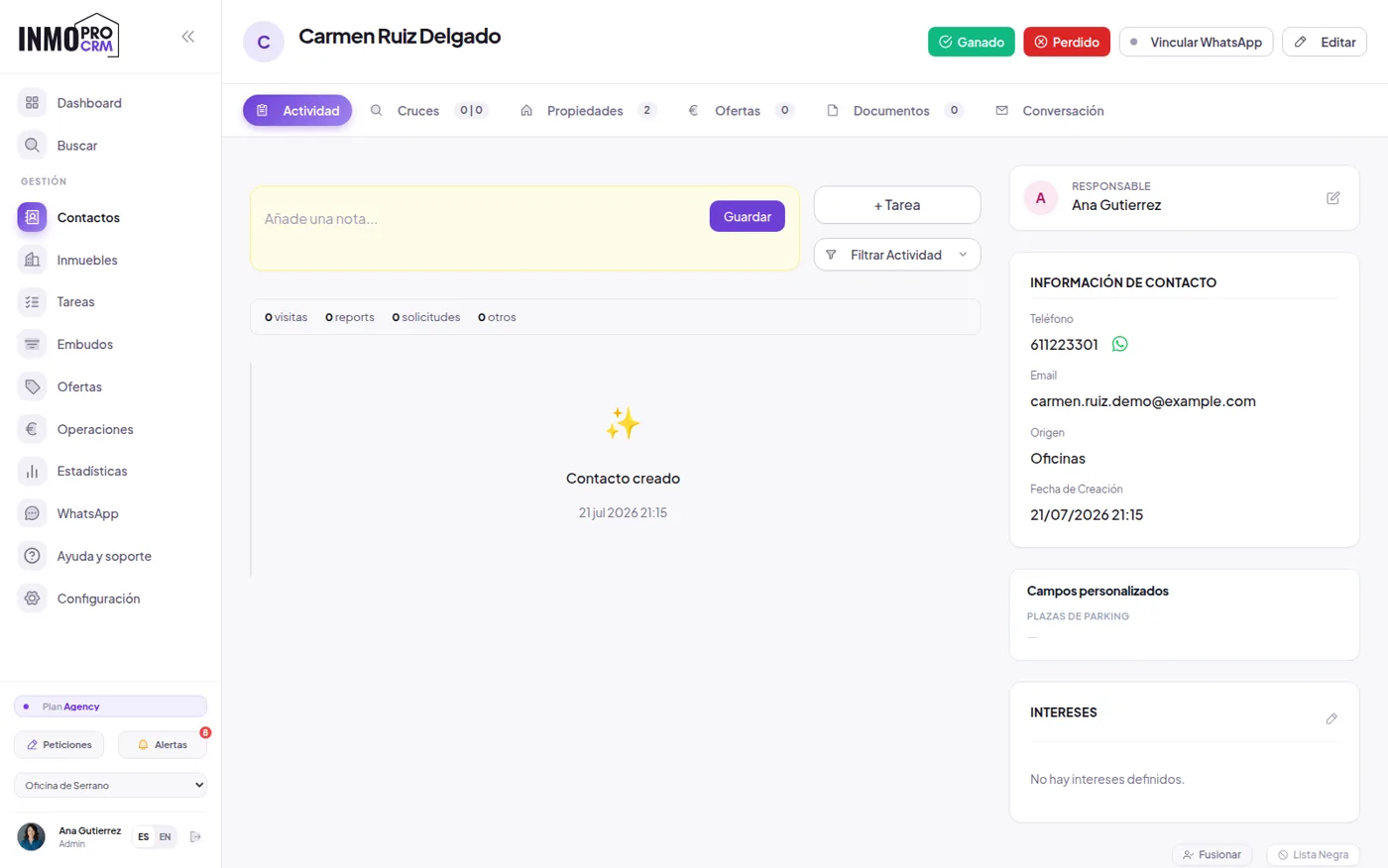
You fill in the listing once and it goes out to the portals you have configured. No more dropping the price on one portal and forgetting the other, which is where the awkward calls come from.
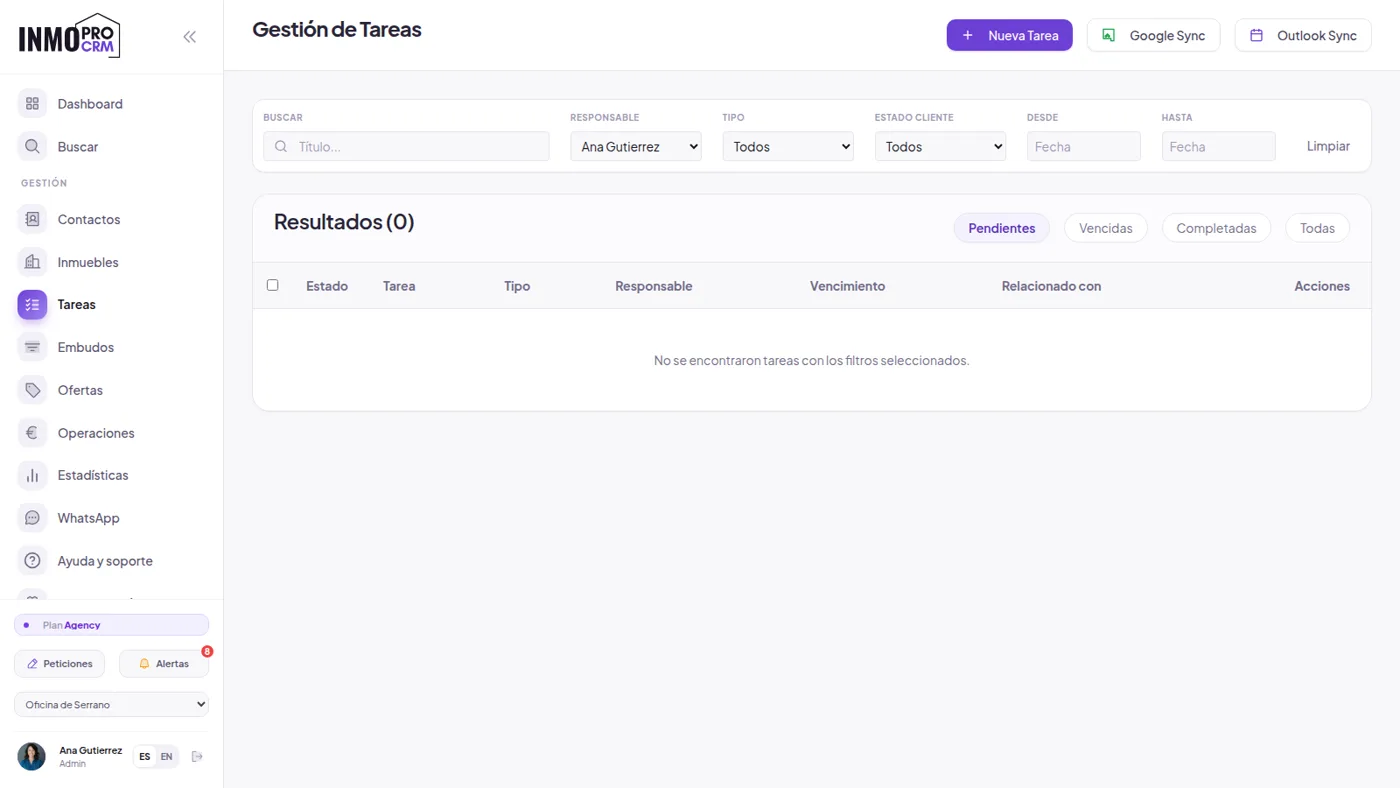
5Viewings, tasks and paperwork
The diary flags viewings and pending follow-ups, and separates what is still to do from what is already overdue. Listing agreements, deposit contracts and reservation documents come from templates with the fields filled in, are signed on screen and sent as PDFs.
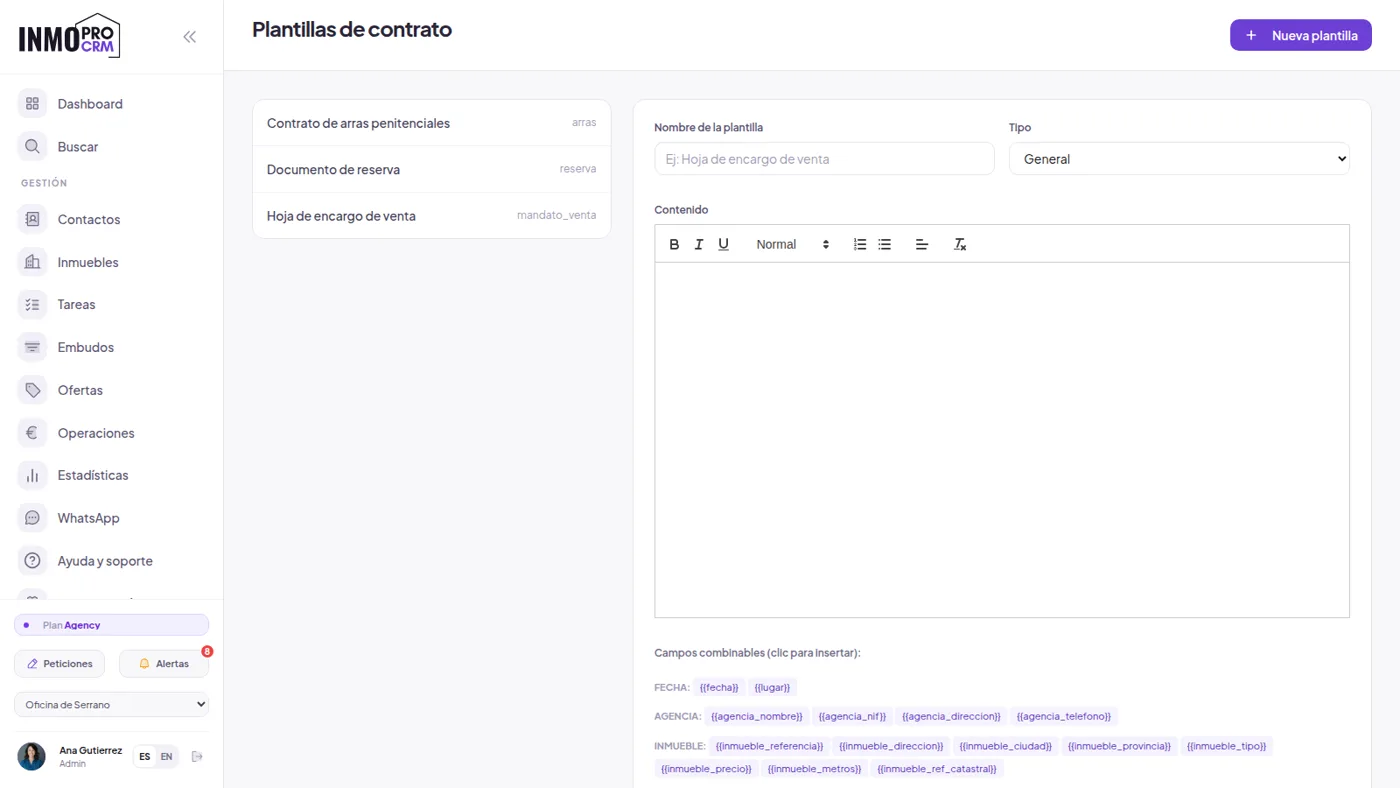
The signature is handwritten and captured on screen with a date and time record: valid as proof of agreement and what almost the whole sector uses, but it is not a qualified eIDAS electronic signature. If your case requires that, you need a trust service provider.
6Commissions and numbers
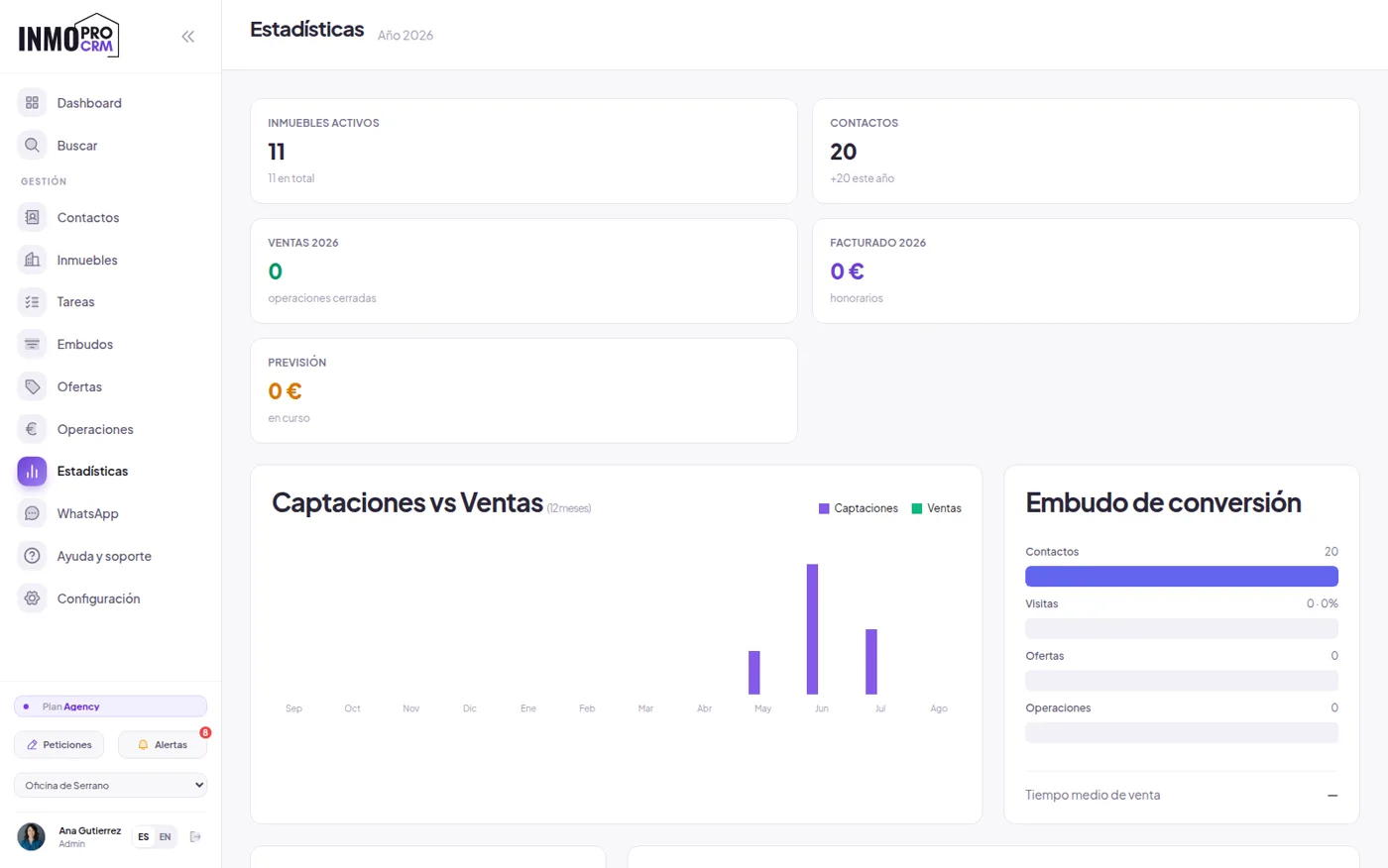
When a deal closes, the fees and the split between lister and seller are recorded, which is the classic end-of-month argument. The statistics answer what is actually asked in a meeting: listings versus sales, where opportunities get stuck and how many days a flat takes to sell by area and price.
7What it costs and what the free plan includes
The free plan is permanent, no card and no expiry: 20 properties, one user and one office, with the agency website included. It is not a fourteen-day trial. From there, Premium is €39 a month (200 properties, 5 users), Profesional €69 (500 properties, 10 users, 3 offices) and Agency €159 with no limits.
All features are in every plan, including the AI: what changes is volume, not what you can do.
8How to choose without getting it wrong
Three questions save trouble. First: can I get my data out whenever I want? If exporting your portfolio is hard, you are locked in. Second: does the price go up per user or per property, and what happens the day you grow? Third, the most forgotten: who migrates what I already have? That is the real barrier to switching, and if the answer is "you do", the switch never happens.
9Viewings and signed visit records
The diary flags every viewing and the follow-up afterwards, which is where half of all deals fall down: you show the flat, someone says "I will call you" and nobody calls. Each viewing is linked to the property and the client, so the history builds itself.
The visit record is generated as a PDF with the fee clause and signed on the spot, on a phone or tablet. It is the document that avoids the unpleasant conversation months later, when the buyer turns up negotiating directly with the owner.
10Several offices and several agents
Permissions are assigned by role: some people see the whole agency portfolio, some see only their office, and some see only their own properties and clients. This matters more than it seems when you work on commission, because it avoids the two classic situations: an agent taking the portfolio with them when they leave, and two salespeople calling the same owner on the same day.
Every action is logged with its author and date, so when you need to clarify who listed what, you look it up and that is that.
11On mobile, because the work happens on the street
An estate agent is not sitting at a desk: they are showing flats, taking photos and talking on the phone in a doorway. The CRM works in the mobile browser, can be installed as an app on the home screen and supports fingerprint or face login, so checking a price between viewings does not mean typing a long password one-handed.
12Your data stays yours
It is the question almost nobody asks when signing up and the one that costs most later. Your portfolio and contacts can be exported whenever you want, without asking permission or paying extra for an "exit migration service". Software that makes it hard is not keeping you because it is good, it is keeping you hostage.
And on the way in, the same in reverse: if you come from Excel there is a CSV importer, and if you come from another CRM we migrate properties, contacts, photos and history for you using your export files. That is the real barrier to switching tools, so we do not leave it to you.
Keep reading
- Real estate CRM with AI — the AI features, screen by screen
- Free estate agency website — the agency website included in the free plan
- Real estate CRM for WordPress — how the plugin installs on your own WordPress
- Best real estate CRMs — a comparison of the twelve most used in Spain
- Real estate ERP — what it covers and what it does not as the agency grows
Leave the spreadsheet behind
Open an account, upload three properties and see if it fits. If you are coming from another system, we handle the migration.

